Designing a Homepage That Converts: Structuring Your Site to Answer What Matters Most
In my last post, I walked through the five key questions your website needs to answer to convert visitors. Now let’s take the next step by looking at how your homepage should actually be structured so those answers are clear, easy to follow, and appear in the right places.
Because here’s the reality: most small business websites don’t fail because of bad design. They fail because they don’t guide the visitor. There’s no flow. No clear path. And no real thought behind what the visitor needs to see first, second, and third.
Your homepage should feel less like a brochure and more like a conversation.
Start Above the Fold: You Have a Few Seconds
When someone lands on your homepage, you have a very small window to grab their attention.
Before they scroll, they should quickly understand:
- What you do
- Who you help
- Why it matters to them
That means:
- A clear, benefit-focused headline
- A short supporting line that reinforces your value
- A clean visual (image or video)
- One clear call-to-action
This is where many websites go wrong. They talk about themselves instead of speaking directly to the visitor. Flip that. Make it about them from the start.
Guide the Experience Section by Section
Once you’ve captured attention, your homepage should naturally guide someone through a series of simple questions. Think of it as a flow, not a collection of random sections.
- Show Them They’re in the Right Place
Right after your headline, reinforce that you understand who they are and what they need.
Call out:
- The problems you solve
- The industries or audiences you work with
- The outcomes you help deliver
This is where someone decides, “Yes, this is for me.”
- Show That You Understand Their Challenges
People don’t want to feel sold. They want to feel understood.
Use this section to reflect their world back to them:
- What are they struggling with?
- What’s not working today?
- What’s at stake if they don’t fix it?
When someone feels like you “get it,” they keep going.
- Build Trust Early (Not at the Bottom)
Trust can’t be an afterthought.
Bring it in early through:
- Testimonials
- Client logos
- Short case study highlights
- Real results
Don’t make people hunt for credibility. Put it right in front of them.
- Make the Next Step Obvious
This is simpler than most make it.
What do you want them to do next?
- Book a call
- Request a quote
- Download something
Be clear. Be direct. And don’t overwhelm them with too many options.
Also, repeat your CTA throughout the page. Not everyone is ready at the same moment.
- Help Them Picture the Outcome
At some point, your visitor is asking themselves: “What does success actually look like here?”
Answer that for them:
- What changes after working with you?
- What gets easier?
- What improves?
The clearer the outcome, the easier it is for someone to take that first step.
Let the Design Do Its Job
Good homepage design isn’t about saying more. It’s about making things easier to understand.
A few things that go a long way:
- Keep sections clean and focused
- Break content into smaller chunks
- Use visuals to support the message (not distract from it)
- Make sure it works just as well on mobile
If everything feels important, nothing stands out.
This Shouldn’t Be Done in a Vacuum
One mistake I see often: the website gets built by one person or one team without input from the rest of the business.
Instead, pull in:
- Sales (they know what prospects actually ask)
- Customer-facing teams (they hear real pain points daily)
- Leadership (to keep things aligned with where you’re going)
Your homepage should reflect how your business actually operates and not just how you think it operates.
Bringing It All Together
When your homepage is structured the right way, it does a lot of the heavy lifting for you.
It answers questions before they’re asked.
It builds trust without overexplaining.
And it moves people forward without friction.
Most websites don’t need a full redesign. They just need better structure and clearer thinking behind what the visitor actually needs.
Because at the end of the day, your website isn’t just there to look good, but rather it’s there to convert.
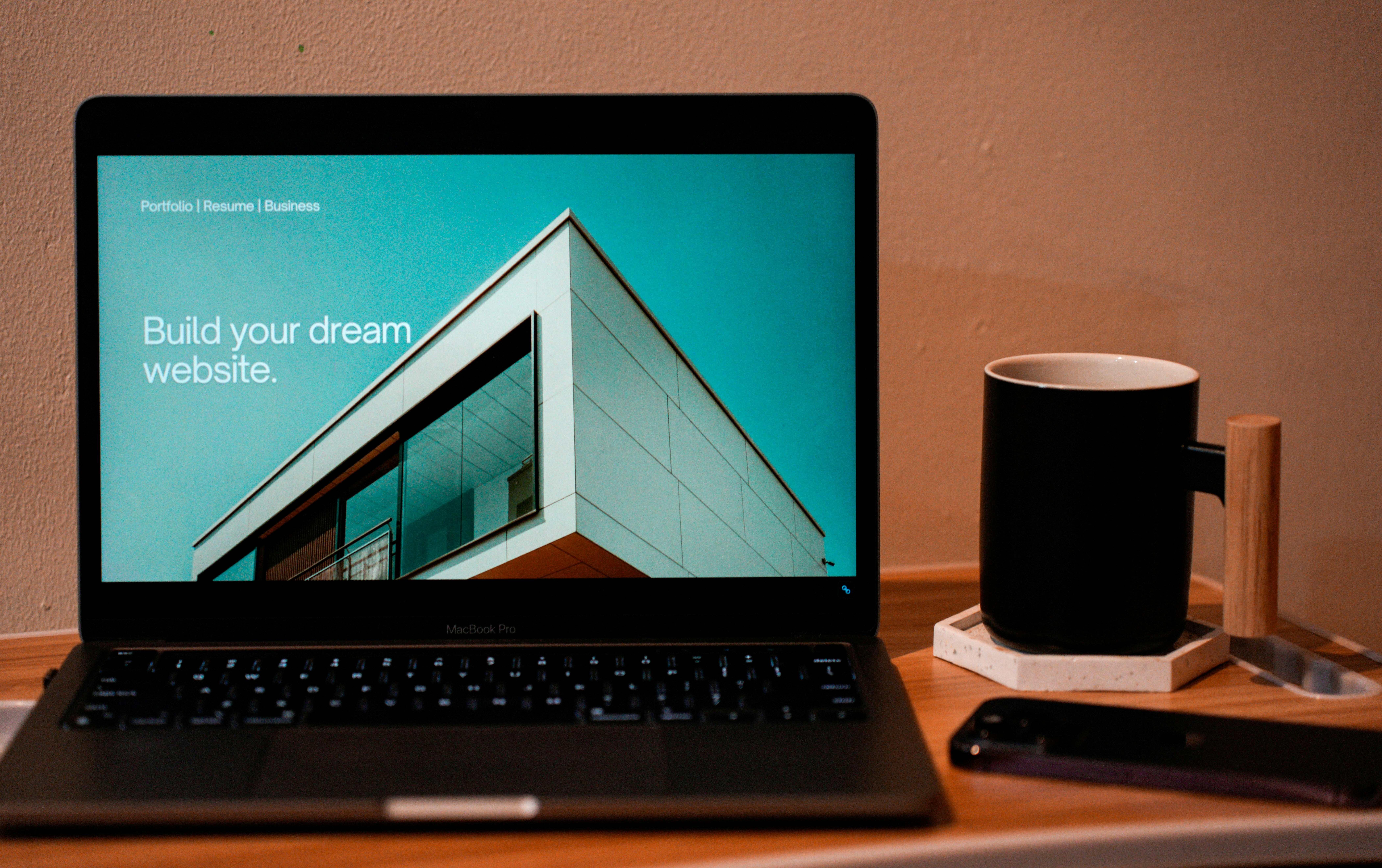
Photo by Carriza Maiquez on Unsplash
Related Blogs
View All Blogs